
 EP 02
EP 02Episode 02
Organize Recurring Gmail Updates
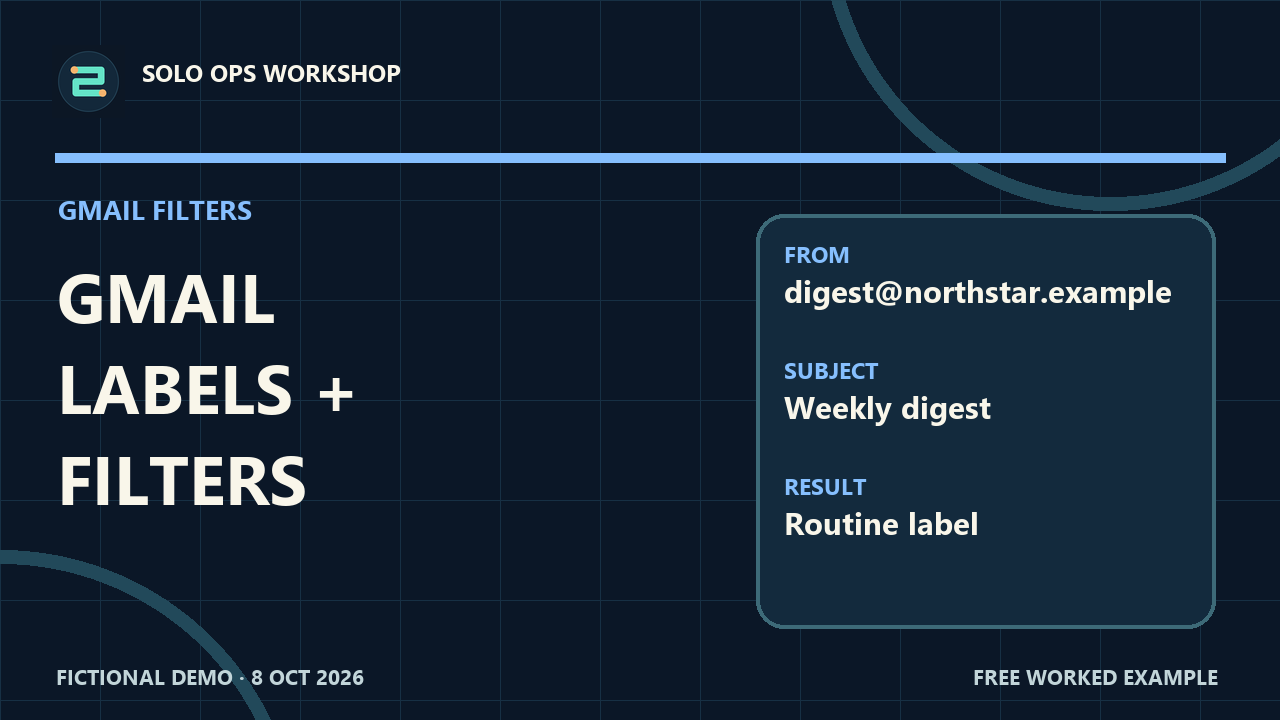
Use Gmail From and Subject search to target newsletters while keeping important mail visible. Follow documented label and filter steps with a fictional inbox and checklist.
Open the guidePut routine mail in its place, reuse a draft carefully, and verify what a rule or automatic reply actually does.
Each guide includes a fictional example, practice material, and a result to check. New guides appear here as they are published.
EP 02Use Gmail From and Subject search to target newsletters while keeping important mail visible. Follow documented label and filter steps with a fictional inbox and checklist.
Open the guide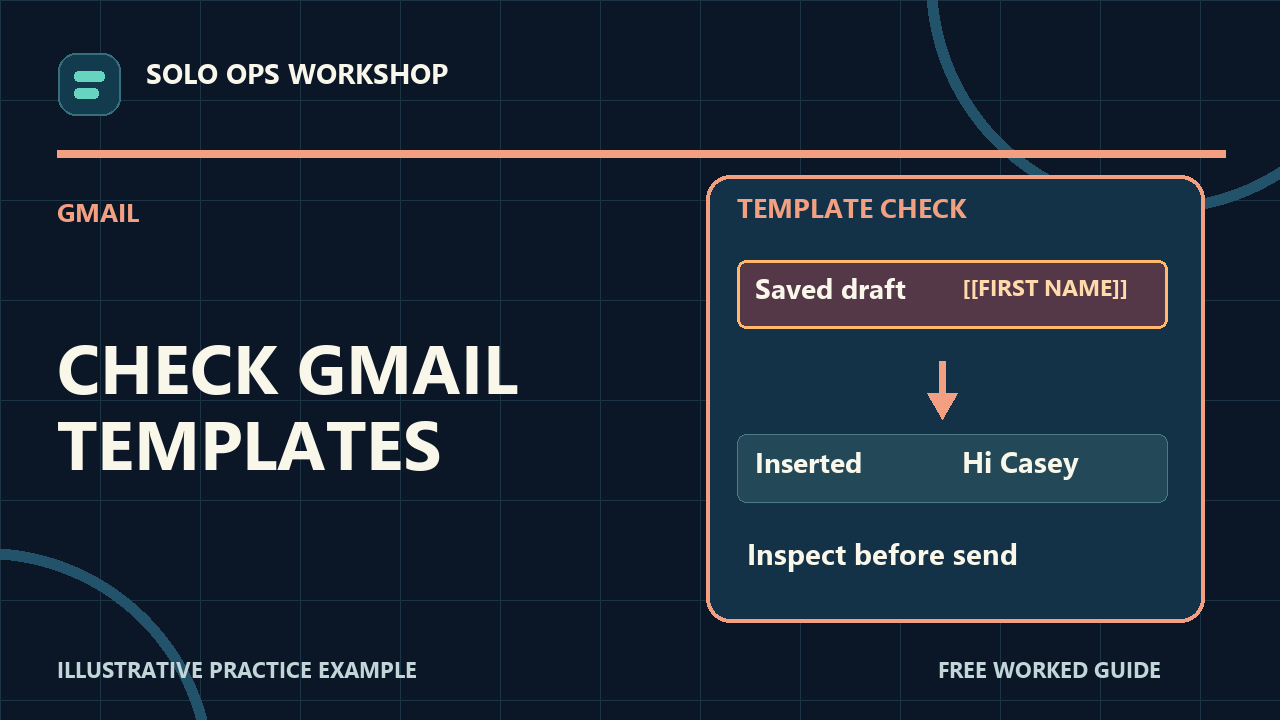 EP 12
EP 12Save a reusable Gmail message template, insert it into an unsent practice draft, and replace two deliberate placeholders before a real message is sent. Practice with fictional data and check the result.
Open the guide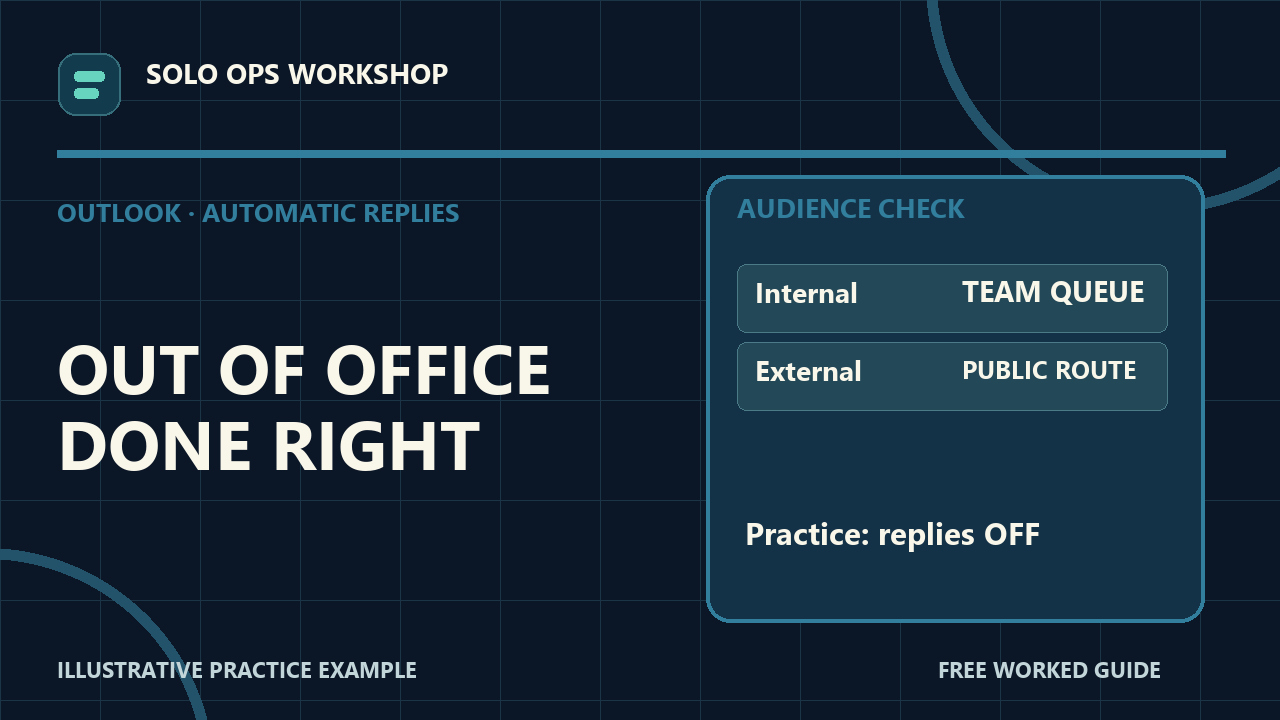 EP 19
EP 19Set a timed out-of-office reply in Outlook on the web for Microsoft 365. Practice with fictional data and check the result.
Open the guide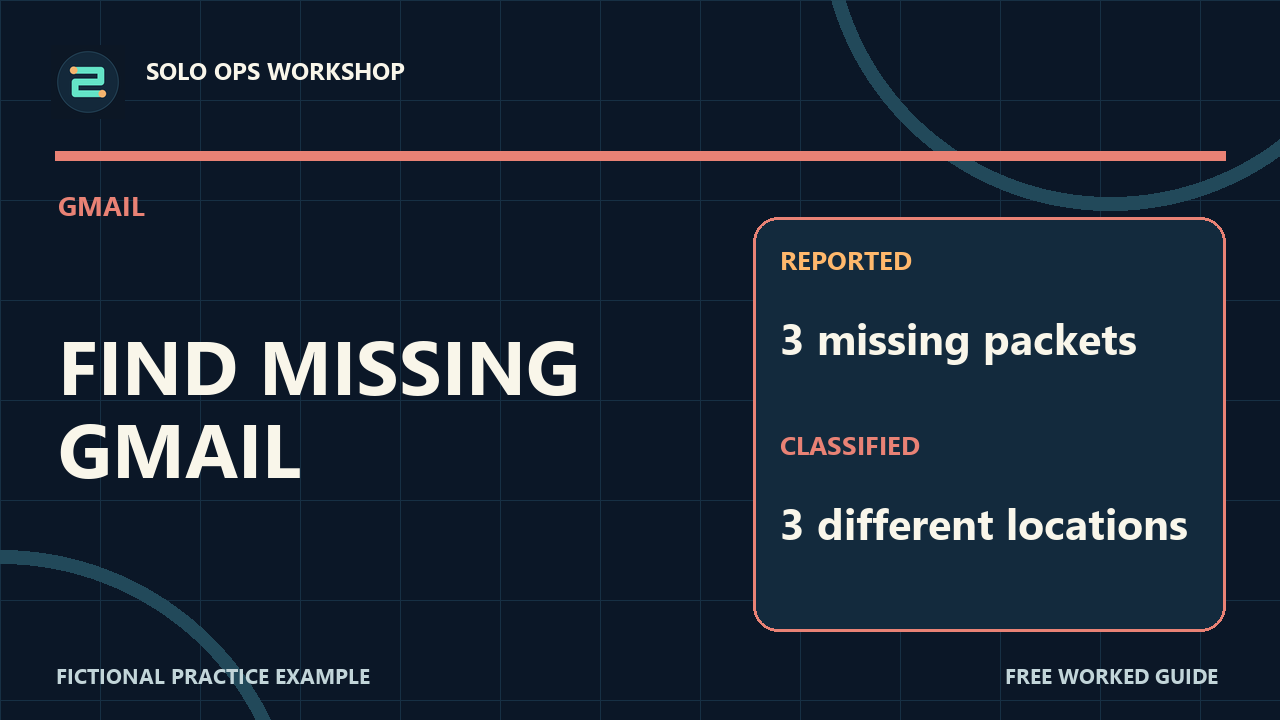 EP 24
EP 24A missing Gmail message may be archived, in Spam, or in Trash. Practice with fictional data and check the result.
Open the guide EP 35
EP 35Diagnose an Outlook inbox rule that appears to fail. Practice with fictional data and check the result.
Open the guide EP 39
EP 39Find a Gmail message in Scheduled, use Cancel send to turn it into an editable draft, and choose whether to reschedule. Practice with fictional data and check the result.
Open the guide EP 40
EP 40If Outlook on the web adds a signature to new messages but not replies, inspect the separate replies/forwards default and check unsent fictional drafts. Practice with fictional data and check the result.
Open the guide EP 63
EP 63Change Gmail's Undo Send cancellation period to 30 seconds and understand the hard limit of that window.
Open the guide EP 64
EP 64Combine Gmail's attachment and size search operators to review large messages without deleting anything blindly.
Open the guide EP 65
EP 65Set different Gmail signature defaults for new messages and replies, then verify them in unsent fictional drafts.
Open the guide EP 67
EP 67Locate a scheduled Outlook web message in Drafts and review its recipient, text, and send time before delivery.
Open the guide EP 68
EP 68Check Outlook's Focused and Other tabs before treating an expected message as missing, then choose how future mail from that sender is sorted.
Open the guide EP 73
EP 73Show messages separately in Outlook on the web instead of grouping them into conversations, then confirm how to undo the view change.
Open the guide EP 76
EP 76Combine Gmail's label and unread search operators to find the messages that still need attention in one fictional project label.
Open the guide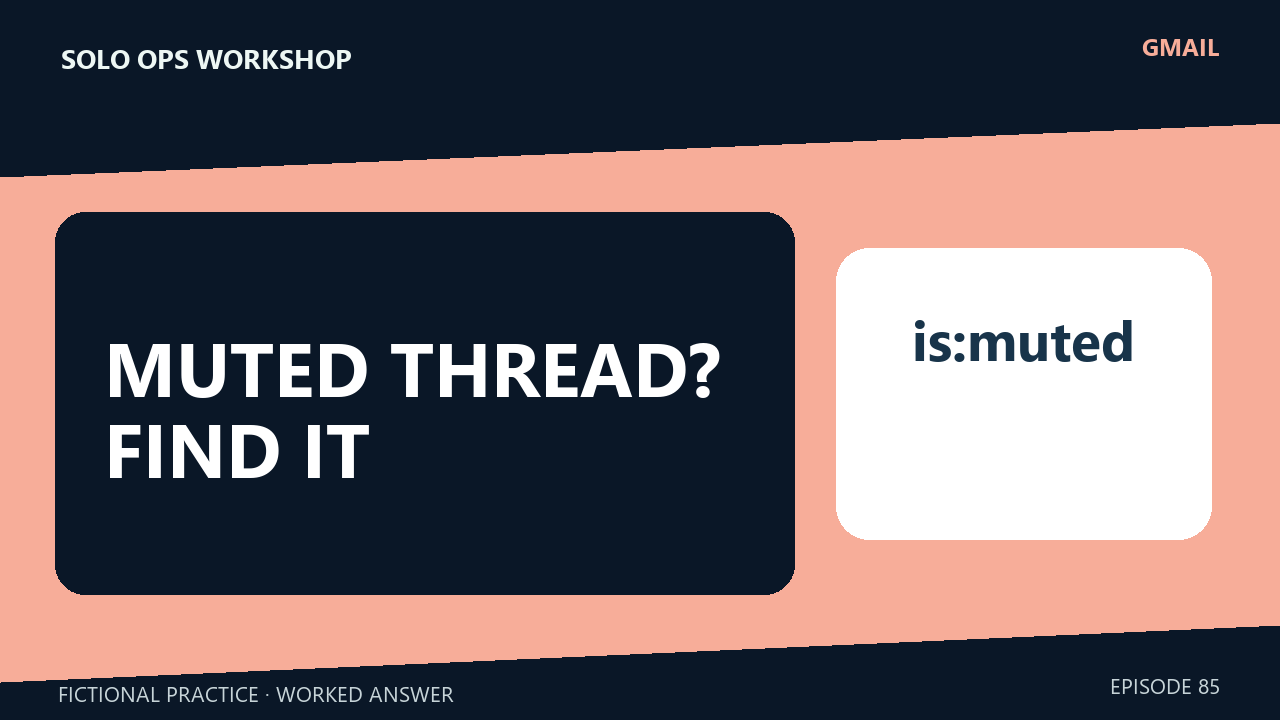 EP 85
EP 85Use Gmail's is:muted search to locate a fictional muted conversation, then unmute it and check its state without claiming old mail returns to Inbox.
Open the guide EP 87
EP 87Combine sender and attachment filters in Outlook on the web, then identify the correct fictional message before opening its file.
Open the guide EP 93
EP 93Recover a fictional accidentally deleted Outlook message from Deleted Items, and understand the separate recovery path if the folder was emptied.
Open the guideNo guides match that search. Try a shorter phrase.