
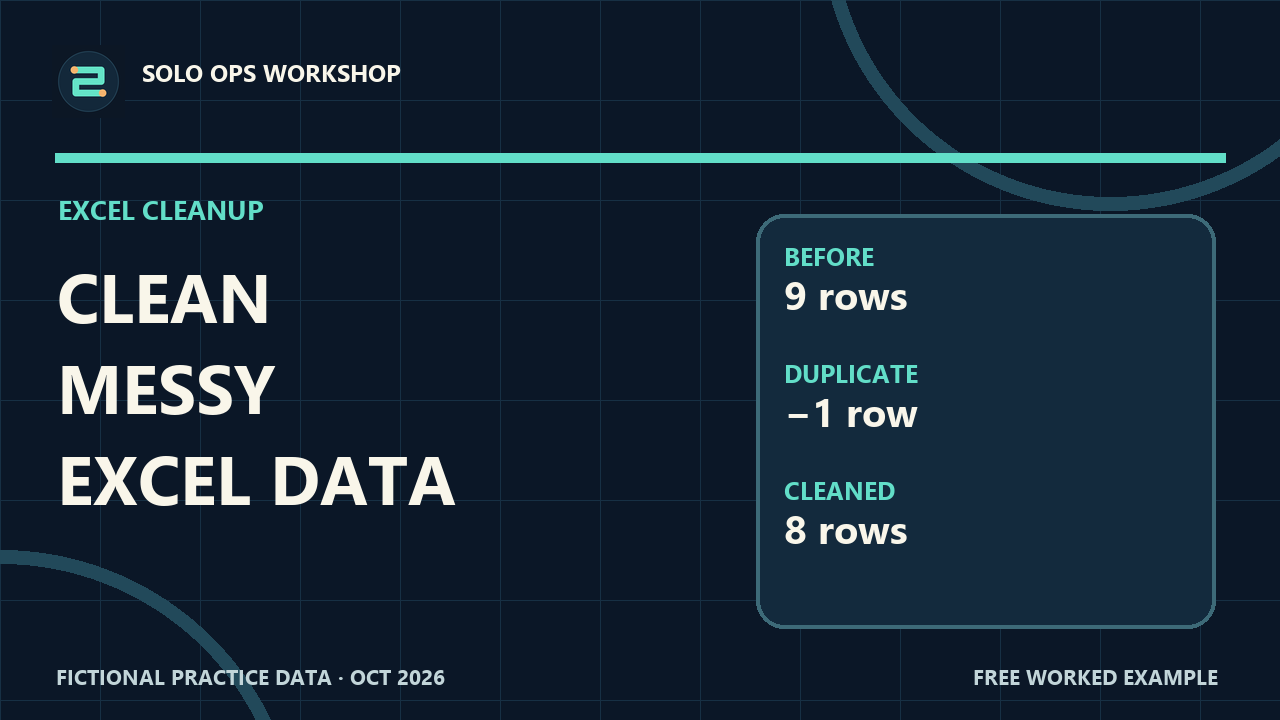
 EP 01
EP 01Spreadsheets · Excel
Clean Messy Data in Excel
Turn a rough order list into a reliable table, then reconcile the result before you trust it.
Open the guidePractical written guides for the tasks that quietly take too much time. Follow a working example, then adapt it to your own workflow.
Each guide includes a written walkthrough, practice files, and checks you can use on your own work. Videos are coming soon.
EP 01Turn a rough order list into a reliable table, then reconcile the result before you trust it.
Open the guide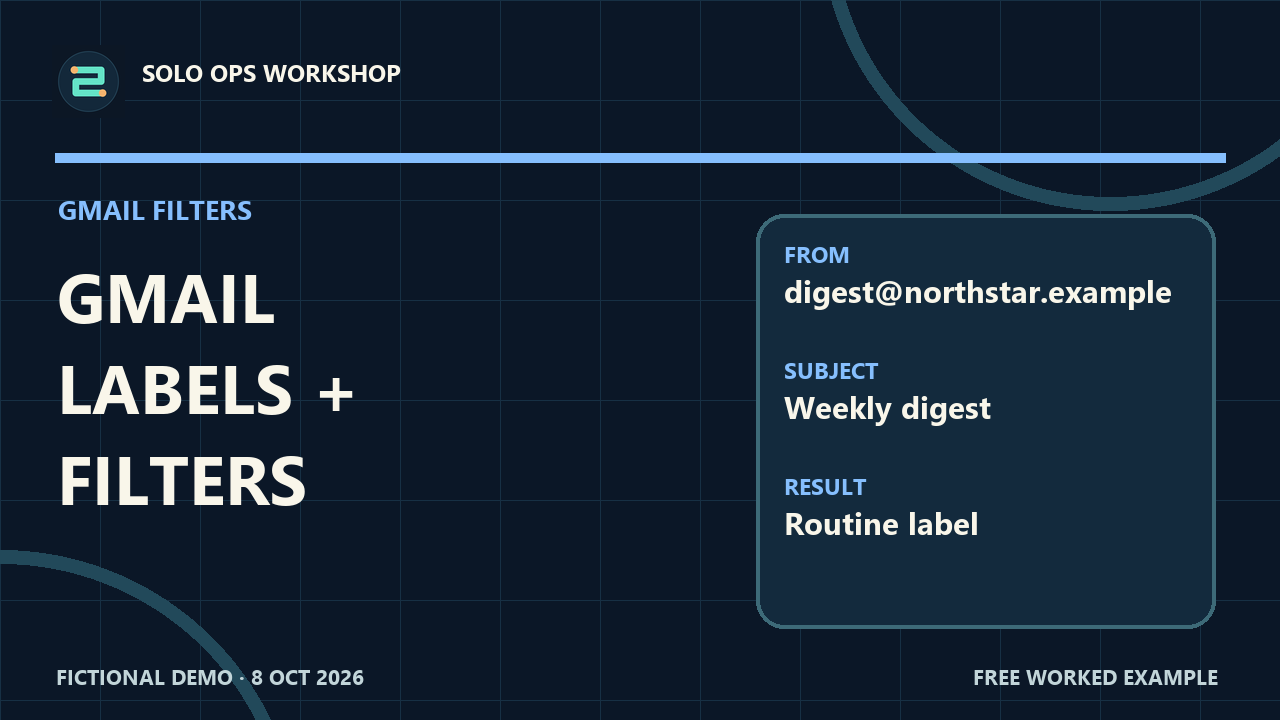 EP 02
EP 02Build a simple rule for routine mail and keep person-to-person messages visible.
Open the guide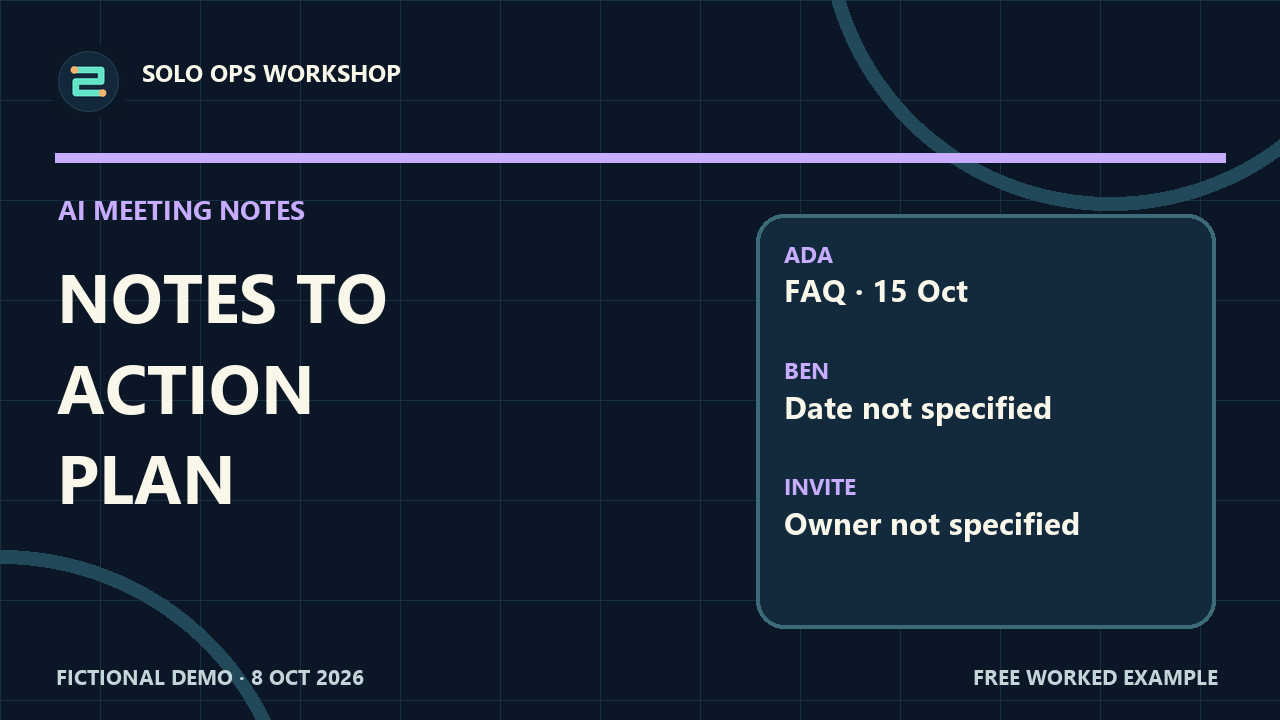 EP 03
EP 03Extract decisions and actions from notes, then check every line against the source.
Open the guideEvery lesson uses a concrete, fictional example that shows both the steps and the result.
Download a sample workbook, checklist, or prompt so you can practice without risking your own data.
Each guide includes common mistakes and a short quality check. Tools help; judgment stays with you.
The sample people, messages, orders, and meeting notes in these lessons are fictional. Use them to learn the method, then apply the checks to your own context.